The friction
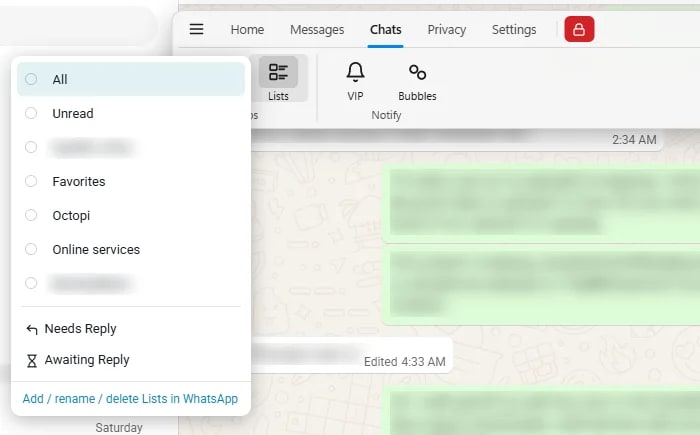
“5 more lists…”
Two clicks, and five labels that all look identical.
Organize every chat
See more- Colored Lists Free
- Needs Reply and Awaiting Reply Free
- Chat tabs Pro
WACompanion for WhatsApp Web
Colored lists, message tags, saved replies and search that understands what you mean. Everything runs on your own computer. No account, no upload.
Also works in Edge and Brave. Desktop app for Windows.
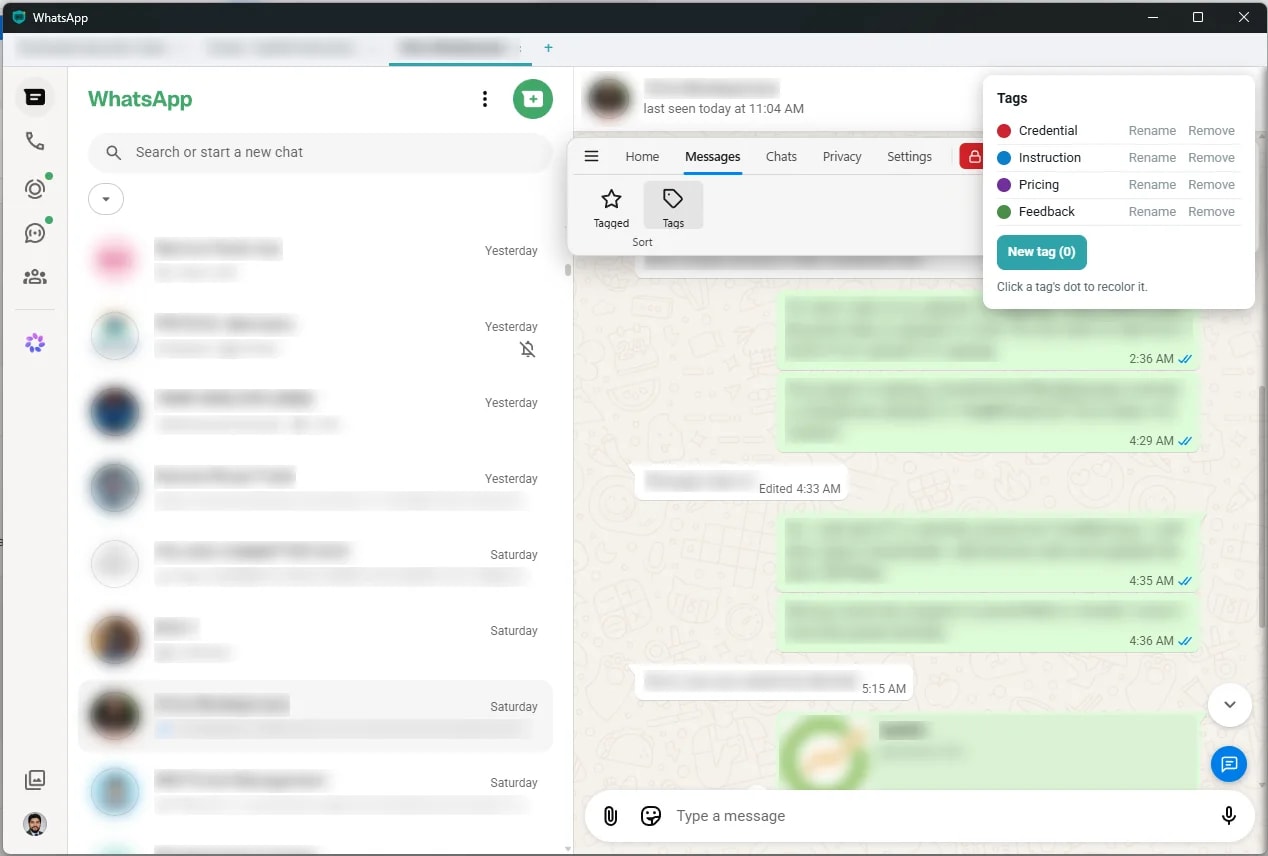
Built to stay out of your way
WACompanion only organizes what is already on your screen. It does not automate your account, and it does not upload a thing.
Tags, notes, templates and your message history live on your own computer. There is no WACompanion server.
There is no account to create and nowhere to upload to. Your chats are never sent to us, and plain-language search runs locally.
It never replies, schedules or sends in bulk. Those are the behaviors WhatsApp acts against, so WACompanion stays well away from them.
Templates and sync only fill the message box. Every message that leaves your account is a click you made.
What it does
Each tile starts with the problem and shows the fix. The tags show where each feature runs.
Free Chrome extension Pro Windows desktop app
The friction
“5 more lists…”
Two clicks, and five labels that all look identical.
The friction
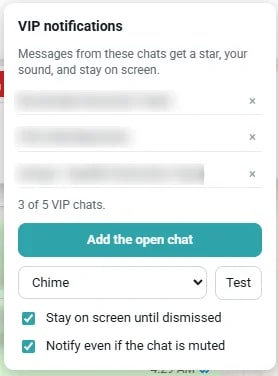
“I muted that group, and missed the one message that mattered.”
The friction
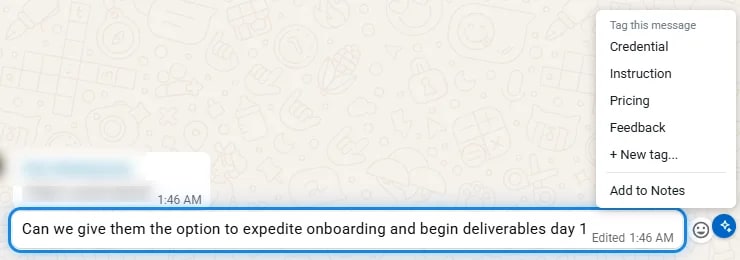
“Send me the account details for the client dashboard.”
Ten minutes of scrolling, every time.
The friction
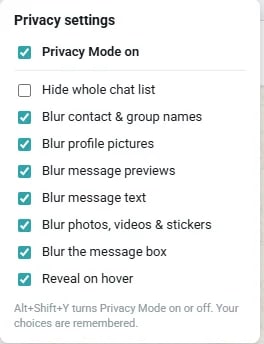
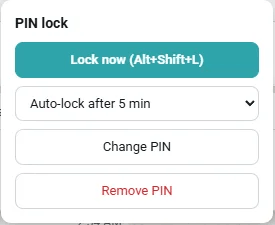
“I’m sharing my screen, and a client’s name is right there in my chat list.”
The friction
“What did we end up quoting the client who asked for a refund?”
I know the chat. I can’t remember one word of it.
The friction
“Attendance in the group before 10, please.”
Every morning, for a year.
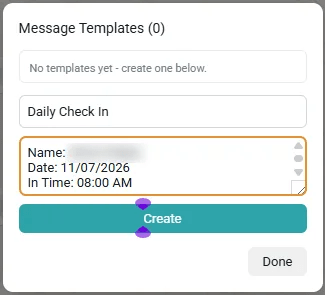
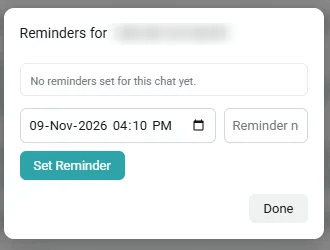
Desktop app 1.0.6 and 1.0.7
Two updates to the Windows desktop app, both on 9 November.
Pick any drive, not just C:. Files from Media > Docs land in a folder per chat, and repeated names become “name (1)” instead of overwriting.
Desktop app 1.0.6
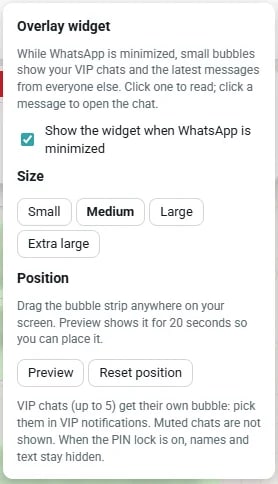
Drag the bubbles anywhere, pick Small to Extra large, and reset to the corner any time.
Desktop app 1.0.6
A red lock at the end of the ribbon locks WACompanion instantly. Alt+Shift+L still works.
Desktop app 1.0.6
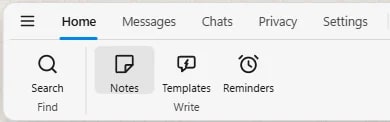
Tabs are now Home, Messages, Chats, Privacy and Settings, with everything regrouped to match.
Desktop app 1.0.6
Export backup asks where to save, so the file is never lost in a downloads folder.
Desktop app 1.0.7
Pricing
The extension is free forever. The desktop app removes every limit and adds the Pro features.
Chrome extension
$0forever
Windows desktop app
Monthly
$3.99/month
$4.99 regular price
Launch price
Yearly
$34.99/year
About $2.92 a month
Save 41%, 7-day free trial
Savings are against the regular $4.99 monthly price. The yearly trial needs a card, and you can cancel before it ends.
Taxes are added at checkout. 14-day money-back guarantee.
Install the free extension, open WhatsApp Web, and your lists, tags and notes are there.